
● Ball-by-ball ● Extras & wickets ● T20 to The Hundred
Cricket Scorer
Ball by ball, it thinks in overs.
Score every delivery on a purpose-built run pad: dots, singles, boundaries, extras and wickets. Sport Score Tracker counts the overs, re-bowls wides and no balls, and ends the chase the moment the target falls. Free on iPhone and Apple Watch, fully offline.
Ball-by-ball on a purpose-built run pad
Cricket cannot be scored with a plus button, so this cricket scorer gives you a proper run pad instead: dot balls, singles, twos and threes, boundary 4s and 6s, wides, no balls and wickets, each one tap. Whether it is a T20 or a box and gully cricket match, every delivery is recorded ball by ball, and undo reverts the last ball, so a mis-tap at the death never costs you the book. Overs count up the way scorers actually read them, 18.2 style, six legal balls to the over.
Wides and no balls, bowled again
Extras are where casual scoring apps fall apart. Here a wide or a no ball adds its 1-run penalty and the delivery is bowled again, so the over never ends a ball short. Byes and leg byes go in on the run buttons, as runs off a legal ball. You tap what happened; the app does the arithmetic and keeps the over count honest.
Every format, and the chase ends itself
Score T20 (20 overs), ODI (50 overs), T10 (10 overs) or The Hundred, which counts 100 balls rather than overs, and the app displays it that way. Matches run over two innings with a target chase, and the game ends the moment the chasing side passes the target. Need to close the first innings early? Start the second innings whenever you like, and the target is set from the runs on the board.
A scorebook the whole ground can read
Score from your Apple Watch with full parity, and for games you play in, the watch records the match as a workout with heart rate and calories in Apple Health. Teammates waiting to bat can watch the live score nearby on their own devices, family can follow over FaceTime SharePlay, and you can AirPlay a read-only scoreboard to the pavilion TV. Afterwards, history builds win-loss records and per-match stats, and it all works fully offline, which matters at village grounds with one bar of signal.
| Entry | Ball-by-ball run pad: dots, singles, 4s, 6s, extras, wickets |
|---|---|
| Extras | Wides and no balls add 1 run and re-bowl |
| Overs | Counted 18.2 style, 6 legal balls per over |
| Formats | T20 (20), ODI (50), T10 (10), The Hundred (100 balls) |
| Innings | Two, with a target chase that ends the game |
| Early close | Start the 2nd innings at any point |
Cricket scoring questions
Does the cricket scorer support The Hundred?
Yes. The Hundred counts 100 balls per innings rather than overs, and the app scores it exactly that way, counting balls instead of overs. T20, ODI and T10 keep the classic 18.2 style overs display.
How does the cricket scoring app handle wides and no balls?
Wides and no balls each add a 1-run penalty and the delivery is bowled again, so they never count towards the over. Byes and leg byes go in on the run buttons, as runs off a legal ball. No mental arithmetic required.
Does the match end automatically in a chase?
Yes. In the second innings the app tracks the target, and the match ends the moment the chasing side passes it, whether that is a boundary with overs to spare or a scrambled single off the last ball.
Which cricket formats can I score?
T20 with 20 overs, ODI with 50, T10 with 10, and The Hundred with 100 balls. An innings ends at 10 wickets or when its balls run out, and a tie is recorded as a tie.
Is the cricket scorer free?
Yes. Scoring cricket, and all 18 sports, is free with no ads and works fully offline, so it keeps up even at grounds with no signal. A Pro subscription adds unlimited history, Insights and deep stats.
Also keeping score this summer
Learn the rules
A look inside
Everything after the final point
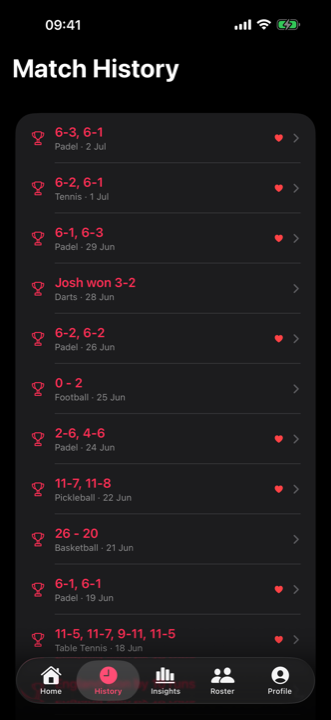
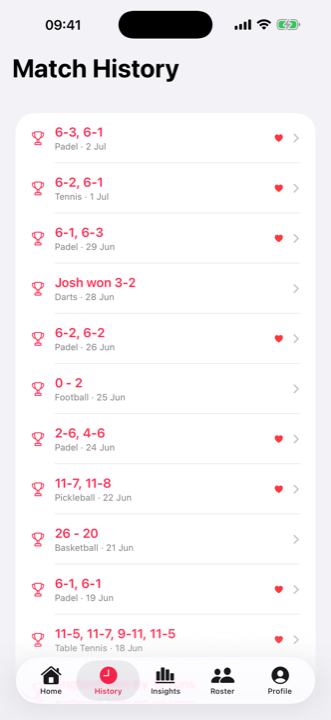
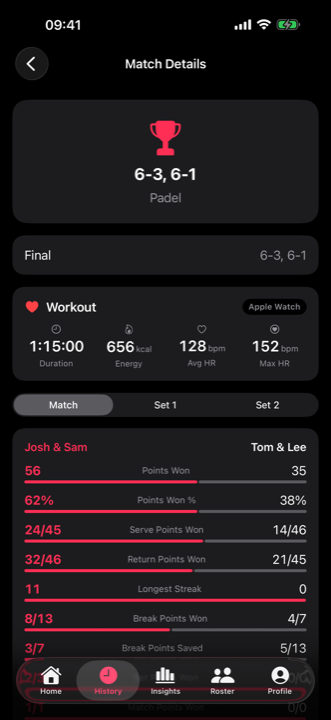
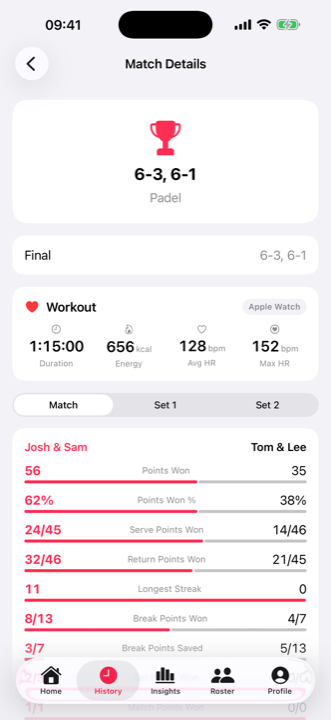
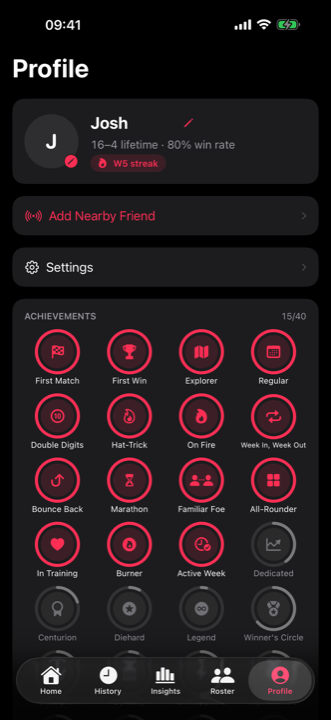
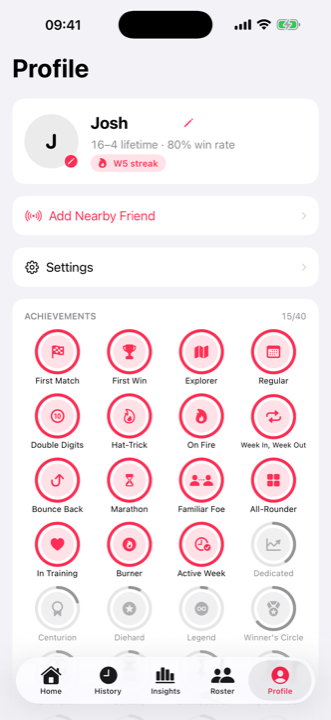
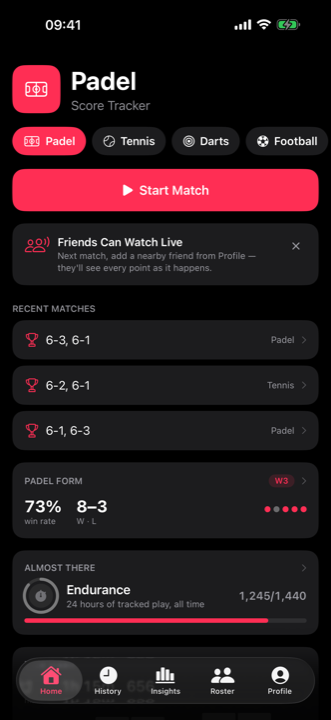
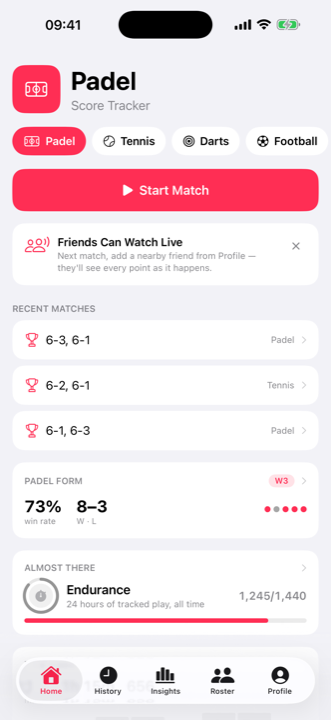
Scoring is one tap. What you get back is a full record of every match you play, on your phone and your wrist.
Pricing
Free to score. Pro to go deeper.
Scoring every sport is free forever, with no ads. Pro unlocks your full history and the deep stats.
Free
£0 forever
- All 18 sports, full rules
- Apple Watch scoring & workouts
- Live spectate & venue scoreboard
- Your 5 most recent matches
Pro
Monthly or yearly, cancel anytime
- Everything in Free
- Unlimited match history
- Insights: trends, streaks, rivalries
- Detailed play-by-play match stats
Free to download. Upgrade to Pro whenever you like.
All sports
One app. All 18 sports.
Play more than one? Sport Score Tracker scores them all with the same single tap, on iPhone and Apple Watch.
Next innings, just play.
Ball-by-ball scoring. Extras, overs and the chase handled. Free, offline, no ads.